Loyalty Program Integration with POS and CRM: What Data Is Shared Between Systems
A customer paid for an order, but the points did not appear. The cashier wrote down the amount, the manager promised to look into it, and the customer left feeling that the program works only some of the time. This happens when sales are recorded in one service and rewards in another, and the data has to be transferred manually. A loyalty program integration connects these processes: the systems exchange information, leaving employees with fewer repetitive tasks. But what exactly is shared? Does connecting the systems mean that absolutely everything is synchronized between them? Let’s look at some examples.
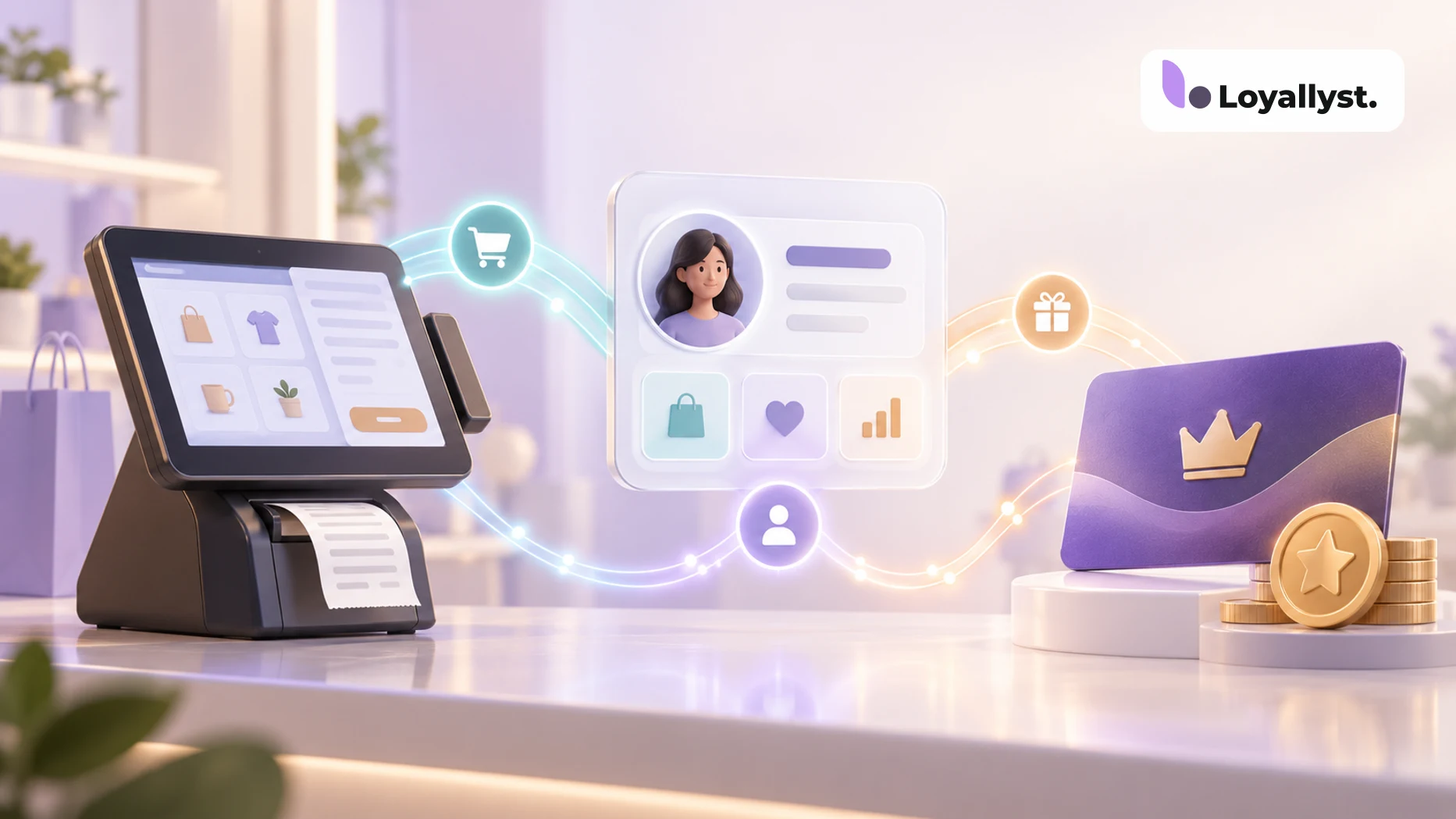
What Do the POS System, CRM and Loyalty Program Do?
A POS system helps process sales at the checkout: managing an order, applying discounts, recording payment and closing the receipt.
A CRM stores customer information and interaction history. Depending on its purpose, it can help manage deals, serve customers or prepare marketing messages. Read more in our article “What Is a CRM?”
A loyalty program defines reward rules: how many points to award, what discount to offer and when a customer receives a gift. If you are still choosing a reward model, start with “What Is a Loyalty Program?” These functions can overlap. For example, a CRM for a loyalty program brings together the customer database, segments and communications with members. A POS connection makes it possible to use information about actual purchases.
What Data Is Shared Between the Systems?
The fields and direction of data exchange depend on the particular integration. Several groups of data are commonly used.
Customer identifier. A phone number, card code or internal ID helps link an order to the right customer. Without it, the system can see the sale but does not know who should receive the reward.
Purchase details. The order or receipt number, amount, date, payment status and sales location. Product line items are shared if the connection supports them; not every integration receives item-level details.
Membership terms. The program can send the points balance, discount, customer tier and available redemption amount back to the POS or CRM. Employees see the terms where they process the order.
Points transactions. The systems exchange information about earning and redeeming points. A redemption request and a confirmed transaction are different events: the balance must be updated according to agreed rules. Integrating a loyalty program with a CRM does not necessarily transfer messages, managers’ tasks or the entire customer profile. Only the data supported by the connection module and needed for its operation is shared.
How Does a Purchase Work with a POS Integration?
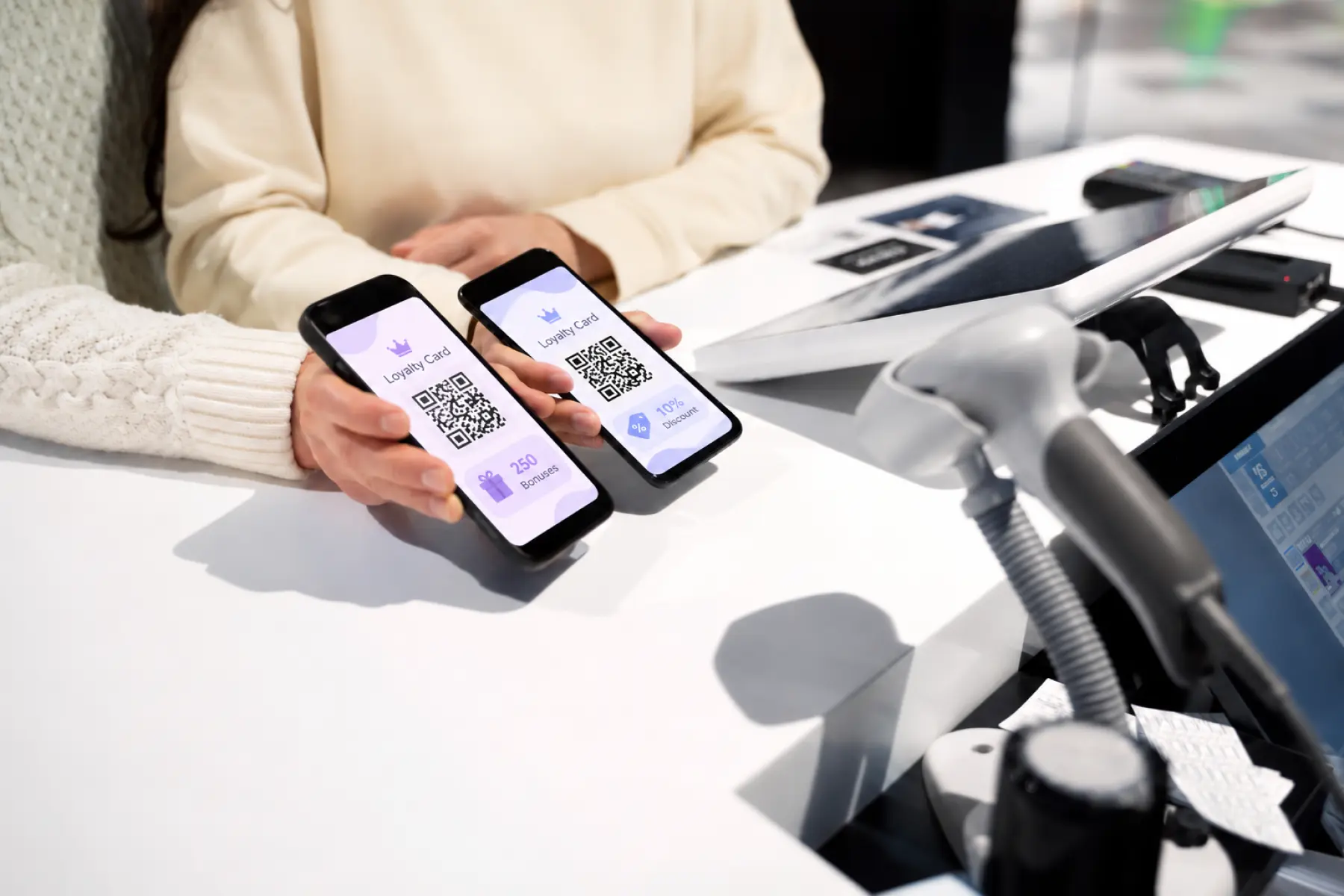
The customer presents a card or gives a phone number. The POS finds the program member and retrieves their terms, such as their balance and available discount. If the customer wants to use points, the employee enters the amount. The system checks the program limits. Suppose the account holds 300 points, but points can cover only 20% of the order. On a UAH 500 purchase, up to 100 points can be redeemed if one point equals one hryvnia. Once the sale is confirmed, the data is sent to the loyalty program. It records the purchase and awards points according to the configured rules. This POS integration reduces manual entry. But you should confirm when points are awarded: for one connection, it may be when the receipt is closed; for another, when the order reaches a particular status.
How Does It Work in Loyallyst?
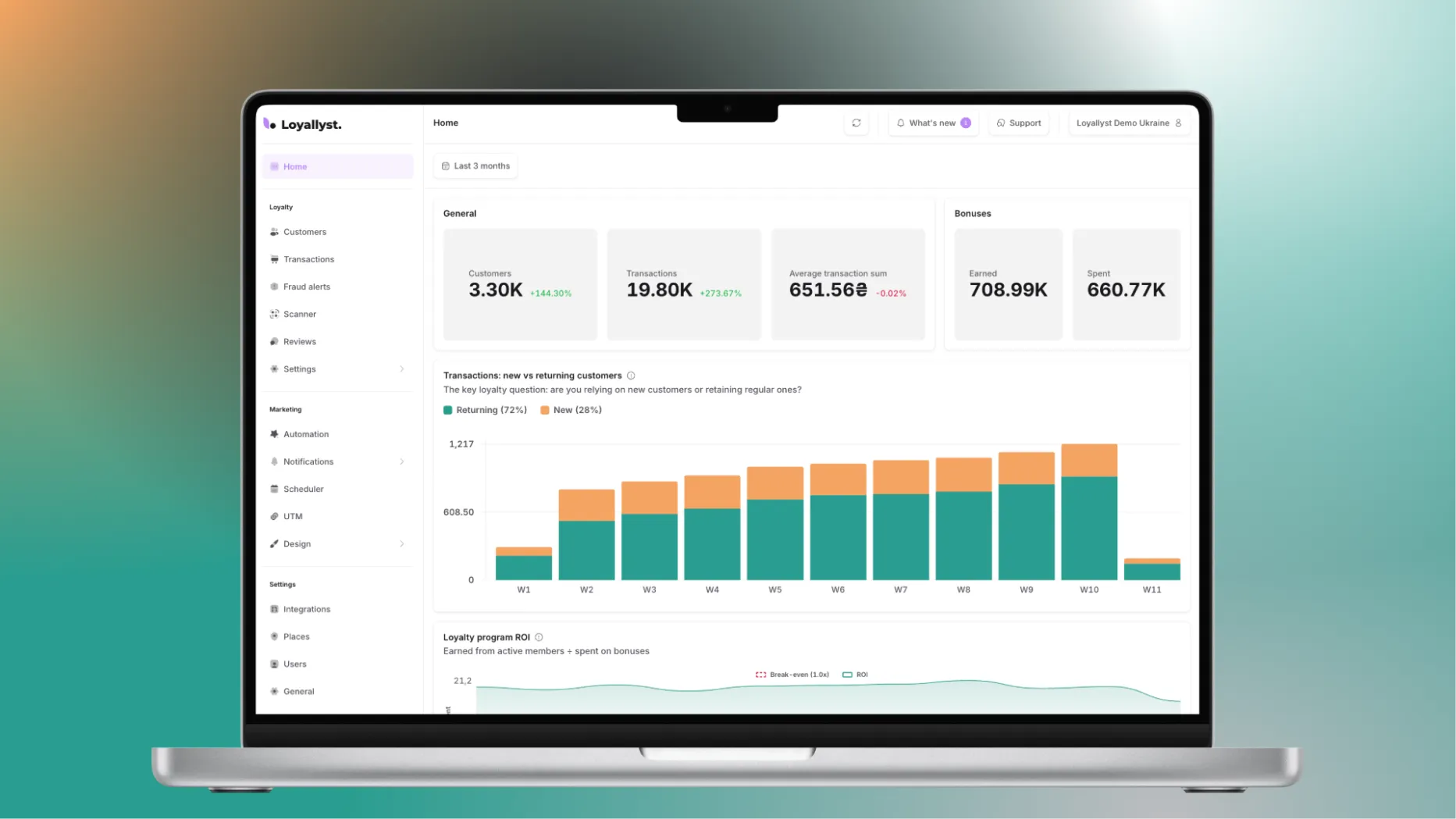
Loyallyst has ready-made connections to POS and CRM systems. For example, with the KeyCRM integration, points are awarded after an order changes to the “Paid” status. The customer profile shows their balance, tier or discount, and program membership information. To redeem points, an employee enters the amount in the “Loyallyst Bonus” field. The configured limit on paying with points is applied during checkout. This lets employees manage rewards directly in KeyCRM. In this way, synchronizing rewards and sales ties accruals to paid orders, and employees do not have to look up the balance in a separate interface.
What Should You Check Before Launch?
Awarding points for a test purchase is not enough. Also check what happens when an order changes:
- Cancellation and refund. How are awarded points reversed and redeemed points restored? Are partial refunds supported?
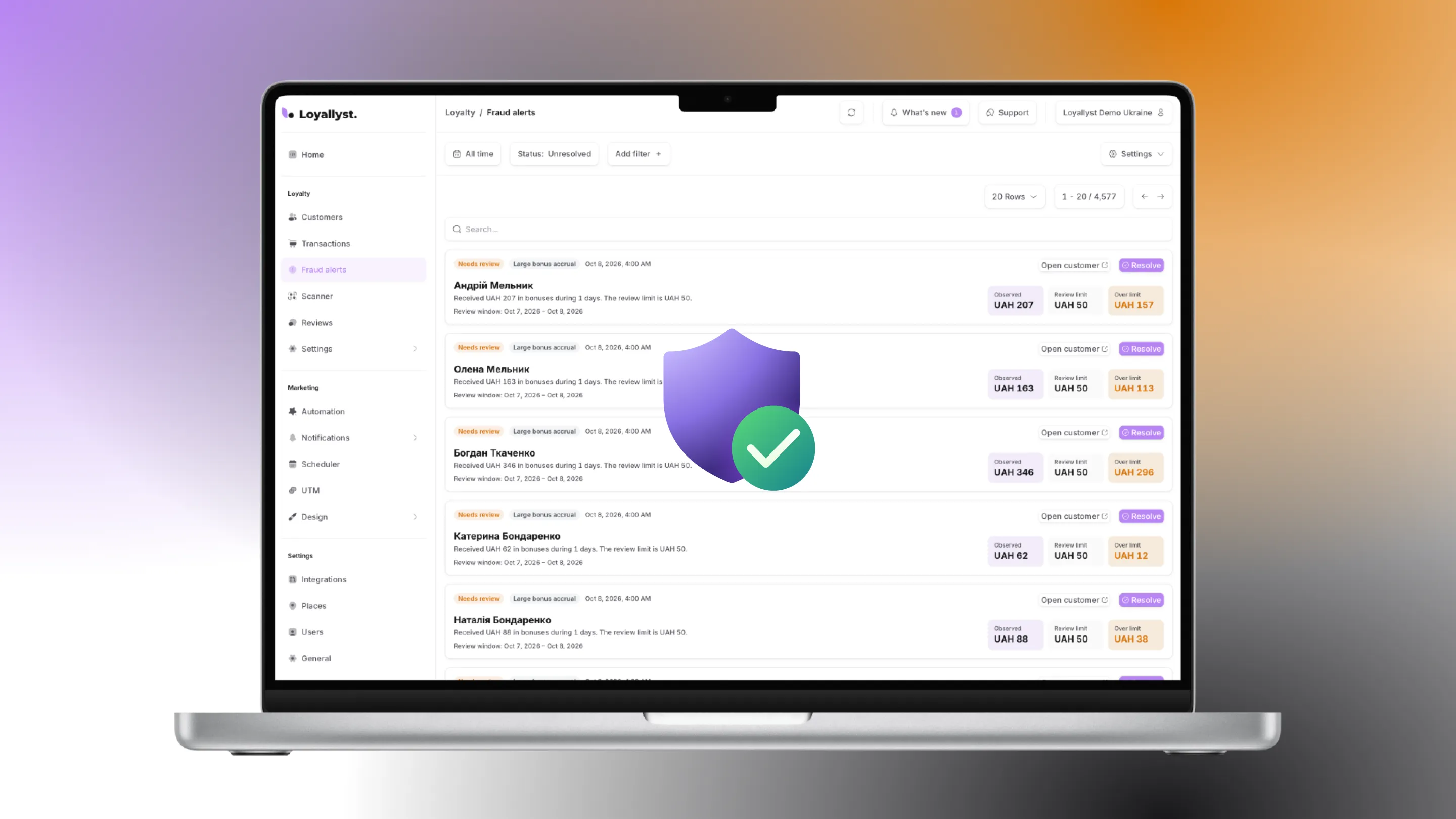
- Repeated event delivery. Could the same order earn points twice if its data arrives again?
- Exchange delay. What will the cashier see if the connection temporarily fails, and when will the balance update?
- Duplicate customers. How does the system link an existing customer to their card and history?

How Can You Connect a Loyalty Program and Loyallyst CRM?
If you want to link purchases with rewards, connect the Loyallyst loyalty program. Tell us which POS or accounting system you use, where you process orders and what terms you want to offer customers. This will help identify a suitable integration method.
To work with your customer database, segmentation and communications, connect Loyallyst CRM. During setup, agree on which data will enter the platform and which actions it should trigger.
You can explore the available options on the Loyallyst integrations page. Start with the essential scenarios: purchases, accruals, redemptions and refunds. When they work together consistently, the program becomes clearer for employees and customers alike.

Frequently Asked Questions
The systems commonly exchange a customer identifier, purchase details, membership terms and points transactions. The exact fields depend on the connection.
No. Only data supported by the integration module and needed for its operation is shared; messages and manager tasks may not be transferred.
It depends on the connection. Points may be awarded when the receipt is closed or when the order reaches a specified status.
Test cancellations and refunds, repeated event delivery, exchange delays and duplicate customer records.
In KeyCRM, points are awarded after an order reaches the “Paid” status. Employees can see membership details and enter a redemption amount in the “Loyallyst Bonus” field.