Bonus fraud: how to protect your venue’s loyalty program
A guest pays for a purchase, the cashier closes the receipt, and the loyalty program records another transaction. Everything looks normal. But if an employee’s card was attached to the purchase, the bonuses went to someone other than the person who paid. This is how bonus fraud can begin.
One Loyallyst client described this scheme in their chain of 24 locations. Over 90 days, employees’ cards accumulated more than UAH 200,000 in bonuses from other people’s purchases. According to the client, most of those bonuses were later used to pocket cash from subsequent guest payments.
Spotting these cases requires monitoring bonus accrual, redemption, and transaction frequency. Let’s look at three abuse scenarios and how Loyallyst antifraud alerts help identify activity worth reviewing.
How discounts and loyalty cards can be abused
A loyalty program should reward guests for their purchases. However, a cashier may attach someone else’s card or apply an employee discount without the buyer’s knowledge. Here is what this looks like in practice.
1. Applying an employee discount to another guest’s purchase
The venue gives employees a discount on personal purchases. An employee applies it to an order for which a guest has already paid the full amount and keeps the difference.
Here is an illustrative example. The amounts and discount percentage are hypothetical.
- A guest asks for the bill. The waiter brings a preliminary bill for UAH 1,000, showing the full price of the order.
- The guest hands the waiter UAH 1,000 in cash. As far as the guest is concerned, the order is paid; they received no discount.
- Before finalizing the sale, the waiter cancels the preliminary calculation and applies their employee discount to the order, for example 20%.
- The final receipt is issued for UAH 800. This is the amount the employee puts in the till.
- The waiter keeps the remaining UAH 200 of the guest’s money.
The result: the guest paid UAH 1,000, UAH 800 was recorded in the till, and the employee took UAH 200. In the system, the difference appears as a discount.
The waiter adds the discount after receiving the money but before closing the sale. The amount on the preliminary bill seen by the guest therefore differs from the final receipt.
What to check: which orders received employee discounts, who closed them, and how they were paid. If the POS system stores a change history, check whether the discount was added after the preliminary bill was printed. This requires POS data and discount reports; the bonus alerts described below do not provide a separate check of these operations.
Also review canceled orders: who canceled them, when, and why. Cancellation may simply correct a mistake. Repeated cases involving one employee without a clear explanation warrant a review. Match transaction times against video footage and order history.
2. Earning bonuses on a personal card from other people’s purchases
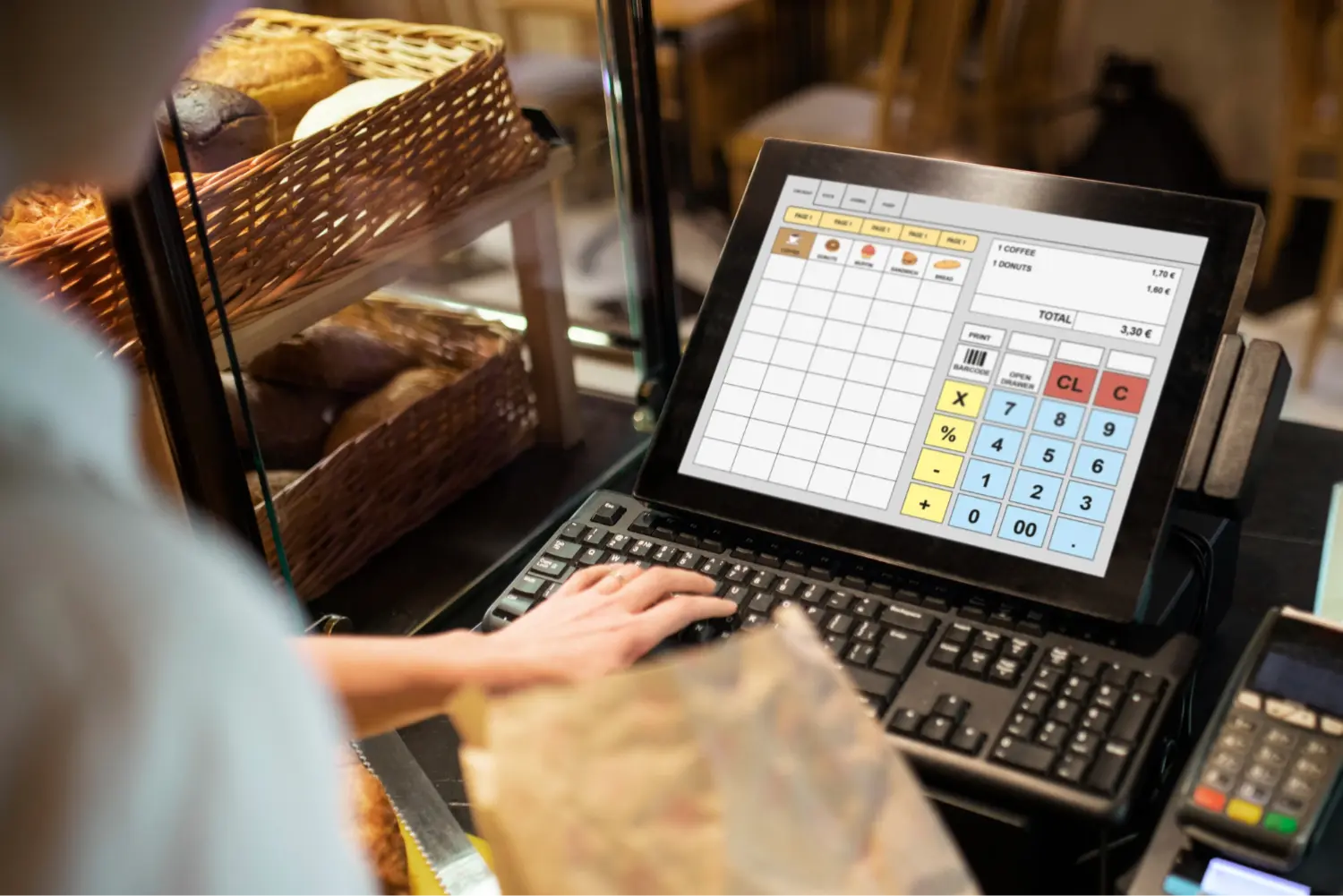
This scheme has two stages: first, an employee accumulates bonuses from other people’s purchases; then they use those bonuses to take cash.
Hypothetical example: the program awards 10% of the purchase value in bonuses, and 1 bonus is worth UAH 1 when redeemed.
- A guest makes a UAH 500 purchase and says they do not have a loyalty card.
- The cashier attaches their own card to the receipt. The guest pays, but the employee receives 50 bonuses.
- After ten such purchases, the card holds 500 bonuses.
- Another guest receives a bill for UAH 1,000 and hands over that amount in cash.
- If the program rules allow it, the cashier pays UAH 500 with bonuses from their card and UAH 500 in cash. Only UAH 500 of the guest’s thousand reaches the till; the employee keeps the remainder.
The guest paid the full price. In the system, part of the purchase was paid with bonuses. That is the amount of cash the employee took. Redemptions may be large or small but frequent.
What to check: many purchases on one card, unusually high accruals, repeated redemptions, and short intervals between transactions. Trace the entire bonus journey, from the purchases that earned them to the receipts where they were redeemed.
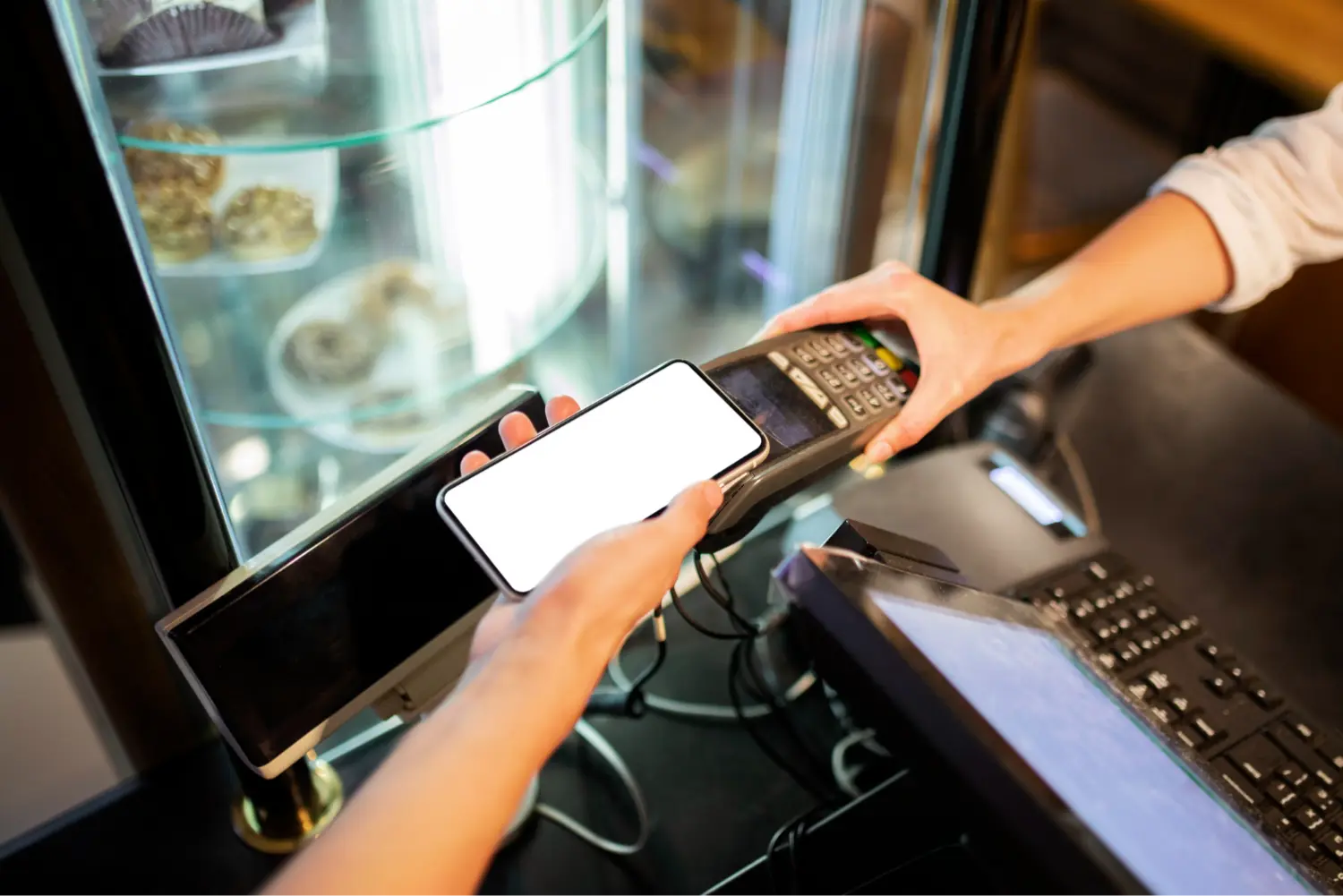
What we recommend changing at checkout. The guest shows a card or a code on their phone, and the cashier scans it to attach the card to the receipt. If the POS settings allow it, disable other methods: entering a phone or card number and selecting a guest from a list.
When a cashier can type a phone number, they only need to remember their own number to attach their card to guests’ purchases. From the outside, it looks like normal checkout work.
Scanning requires the cashier to present a card or phone to the scanner. Position the scanner near the till so the camera can see this action. During a review, you can then find the bonus accrual moment in the footage and see what happened at checkout.
For example, a receipt shows bonus accrual even though the guest did not present a card or phone. By reviewing the recording, an administrator can check whether the cashier presented their own phone or another code-bearing item to the scanner.
The cashier can still scan their own card. The difference is that they now have to perform a visible action that can be checked on video.
3. Spreading bonuses across relatives’ and acquaintances’ cards
Employees may use several cards registered to acquaintances or relatives and record purchases at different venues in the chain. For example, bonuses are credited to one card today, another tomorrow, and redeemed at a different location. Each individual card has few transactions, so the configured threshold may not be triggered.
Start the review with redemptions: where many bonuses are used, which cards are involved, and how their balances were accumulated. Compare locations in relation to sales: high redemption volume at a busy venue proves nothing on its own.
What to check: how many bonuses were redeemed at each location and what share of sales they paid for. Then open the cards used for redemption: where were their bonuses earned, and who was working at checkout at the time? You will need bonus history, POS data, and shift schedules. An alert can help identify an individual card for review; links to other cards require additional investigation.
Case: over UAH 200,000 in bonuses in 90 days across 24 locations
The Loyallyst client described the substitution of employees’ bonus cards. Bonuses were accumulated from purchases by guests without loyalty cards and later redeemed during subsequent cash payments.
According to the client’s representative, these accruals exceeded UAH 200,000 across the entire chain of 24 locations over 90 days. Most of the accumulated bonuses were used to take cash. Some employees covered entire purchases with bonuses; others covered small portions to attract less attention.
If that pace continued, the annual volume of accruals within the scheme could exceed UAH 800,000. This is an extrapolation from 90 days of data, not a confirmed annual loss.
Checking only large individual redemptions can miss dozens of small ones. Also review the total bonuses spent from a card over the selected period.
We explored this story separately: how employees of a 24-location chain accumulated bonuses from other people’s purchases. That article also explains the estimate of more than UAH 800,000 per year.
What activity Loyallyst antifraud alerts identify
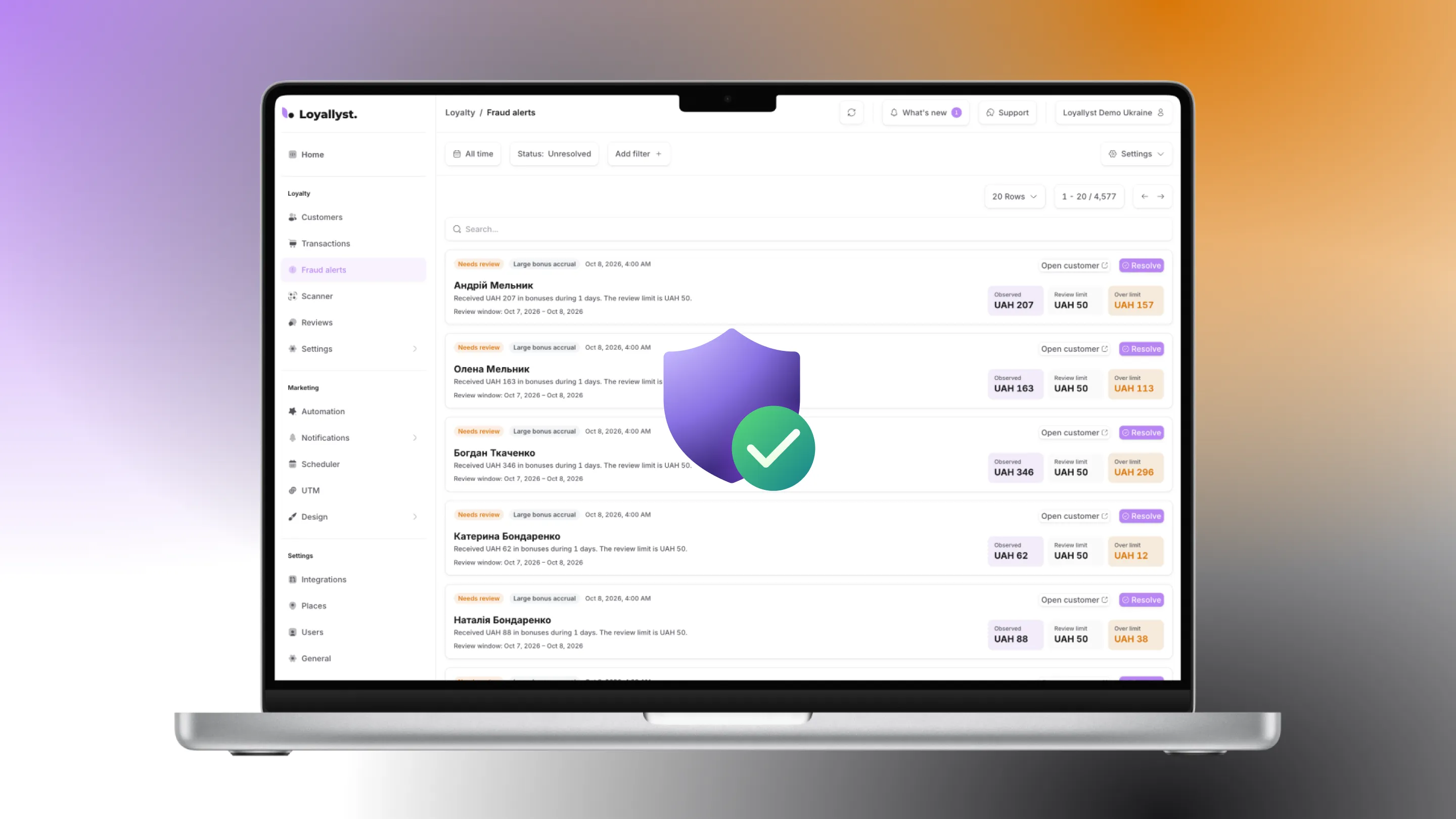
An antifraud alert tells you that a configured rule was triggered: for example, a guest made too many purchases or redeemed more bonuses than the threshold allows. An administrator opens the case and checks what happened.
Loyallyst checks completed transactions once a day, not during payment at checkout. Operations that only update a balance are excluded from this check.
Four types of rules are available:
| Check | What it flags | What the administrator should clarify |
|---|---|---|
| Too many visits | More purchases recorded on one card than the rule allows | Did the guest really buy that many times, or did the cashier attach their card to other people’s receipts? |
| High bonus accrual | Accruals exceed the threshold for the period | Whether the amount is explained by the guest’s purchases and promotion terms |
| High bonus redemption | The customer used unusually many bonuses during the period | How the balance was accumulated and which sales the redemptions relate to |
| Purchases too close together | Two purchases by one customer occurred within a short interval | Whether these were separate purchases or one transaction split into several |
You do not have to enable all four checks at once: each has its own threshold and is enabled separately. The alert shows which card triggered it, the period, and how far the metric exceeded the threshold.

How to configure thresholds and bonus redemption rules
Bonus accrual rules and bonus redemption rules determine how much a guest earns and can spend. An alert threshold is a different setting: it determines when an administrator should review transactions. For example, allowing half a bill to be paid with bonuses and notifying you about a high daily redemption total are two different tasks.
Start with the behavior of your venue’s regular customers:
- Review purchase history. Assess typical visit frequency, accruals, and redemptions. Consider regular guests, not just averages.
- Account for program terms. The accrual percentage, promotions, and permitted bonus payment share affect the amounts you should expect.
- Set initial thresholds. Five purchases in two days may warrant a review at one venue and be normal at another. This is an example condition, not a universal standard.
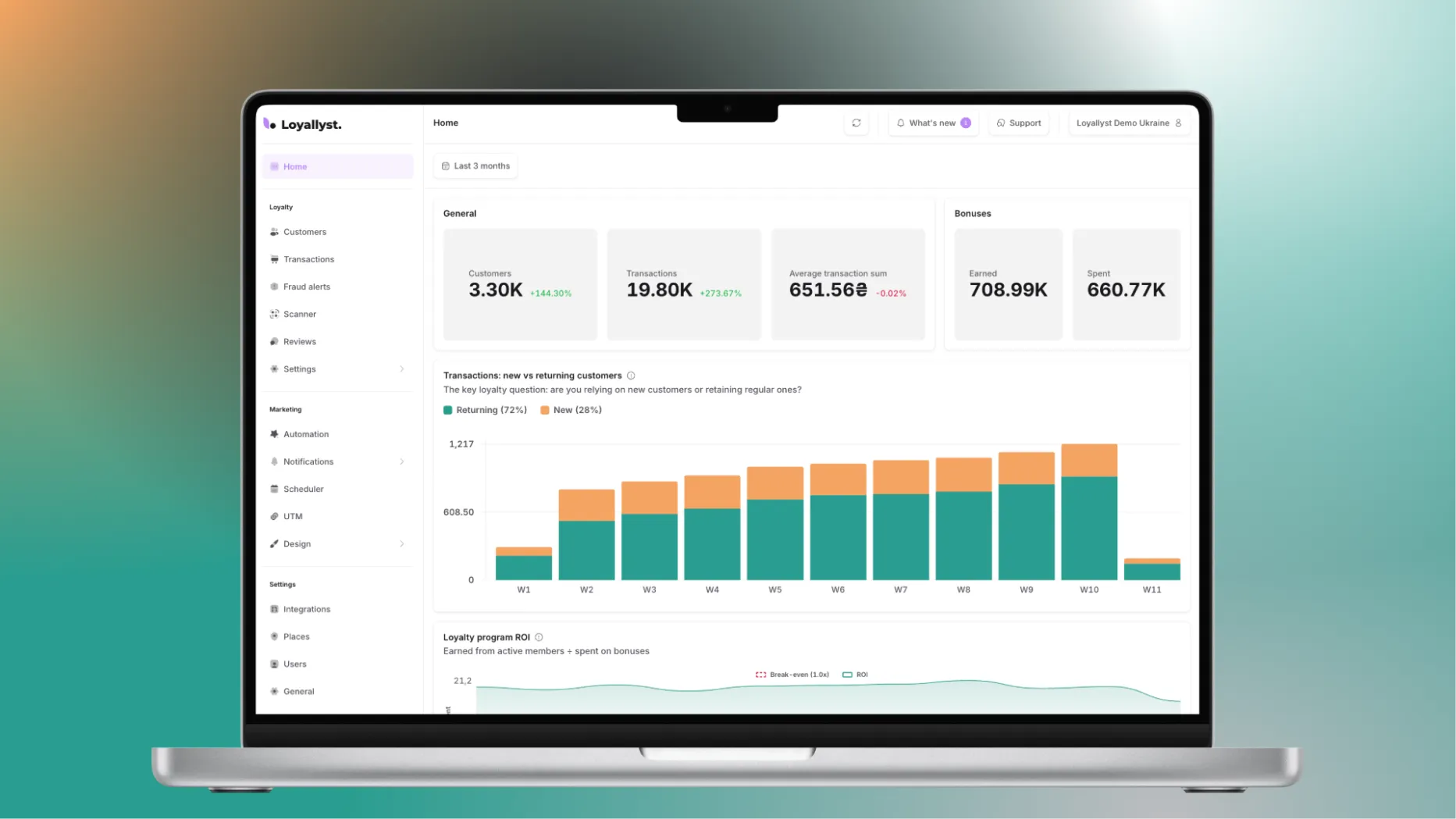
- Check historical data. Loyallyst lets you run a check for the last three months and see which cases match the selected rules.
- Revisit thresholds after the first reviews. Suppose you launch double bonuses and receive many high-accrual alerts. Compare them with the promotion terms: the threshold may be too low for the new conditions. If a known suspicious card triggered no alerts, look at what happened on it—frequent purchases, high accruals, or redemptions—and check the relevant rule.
Hypothetical example: at a 10% accrual rate, a UAH 500 purchase earns UAH 50 in bonuses. Assess the accrual threshold alongside purchase totals and program mechanics. The figure “UAH 50” alone says little without that context.
If you are reviewing the reward mechanism itself, examine the economics of bonuses and discounts separately. For staff oversight, document who may use employee discounts, which purchases they apply to, and who reviews exceptions.
What to do after receiving an alert
Open unresolved cases in the antifraud alerts section. Filters by period and type help you find the relevant ones. For each alert, follow these steps:
- Open the customer profile. Review purchases, accruals, redemptions, dates, and times.
- Check ordinary explanations. The guest may have bought for colleagues, used a promotion, or spent bonuses saved over a long time.
- Match suspicious transactions against POS data. Check receipts, payment methods, locations, and staff shifts if this information is available in your systems.
- Record the review result. Note what you checked and found in a team log or spreadsheet. This makes repeated alerts easier to investigate.
- Mark the reviewed alert as resolved. It remains in the history but disappears from the unresolved list.
Several purchases in a short time may be orders placed by one guest for a team. However, if one card consistently collects purchases throughout a shift and regularly redeems bonuses during cash payments, investigate the data more closely. A pattern alone is not enough to make an accusation.
How to receive Telegram notifications
New alerts can be sent to your team’s Telegram chat. Connect the bot, select the chat, and verify delivery with a test message.
The message shows the metric that triggered the alert and the configured threshold. You can follow it to the alerts section. Assign someone to review messages and check transactions so they do not go unanswered in the chat.
How to reduce opportunities for abuse
In addition to alerts, you need checkout rules: who may cancel orders, grant discounts, or register cards. Check which of the following restrictions your POS system supports. These are separate settings, not part of the bonus alerts described above.

Separate cancellation and discount permissions
Reserve order cancellations and approval of nonstandard discounts for a shift supervisor or manager. Employees should state the reason for a change. Review recurring exceptions separately.
If your POS supports immediate notifications about cancellations, item removals, and discount changes, enable them for the responsible person. This is separate oversight of checkout actions; daily bonus alerts do not replace it.
Review card registration and use
Where possible, let guests register themselves and attach cards to receipts by scanning. If staff need manual registration or profile editing, define who has permission and how those actions are reviewed. Restrictions must still leave guests a clear way to use the program.
Keep a separate record of employee cards and establish rules for their use. If the system supports groups or tags, use them for these records. This simplifies reviews of staff members’ own cards but does not automatically identify cards belonging to acquaintances or relatives.
Combine limits with transaction reviews
Where the relevant settings are available, limit the number of accruals per card per day and the share of a bill payable with bonuses. Choose values that reflect guests’ normal purchases and the program terms you promised.
A bonus payment limit reduces the possible redemption amount on a single receipt but does not eliminate repeated small redemptions. It should therefore complement monitoring of the total over a period.
Assign responsibility for reviews
Agree on who reviews alerts, checks POS operations, and revisits recurring cases. Review alerts promptly while video recordings and shift details are still available. Periodically review access permissions and settings as well: deviations may result from accounting errors or incorrect rules rather than abuse.
Start by checking existing transactions
Start with your purchase history: configure antifraud rules in Loyallyst and run a check for the last three months. Review the cases found, compare them with receipts, and adjust thresholds if necessary. For a chain, also compare redemptions across locations.
Want to understand how to organize reviews at your venue? Contact the Loyallyst team and discuss settings for your bonus program.


Frequently asked questions
No. An alert means the activity meets the configured review criteria. The cause may be abuse or ordinary purchases. Review the transaction history and context.
Once a day, using completed customer transactions. You can also run a separate check for the last three months.
The high-redemption rule evaluates the total bonuses used over a specified period. Several small redemptions can therefore exceed the threshold. If activity is spread across cards and remains below thresholds, additional analysis is needed.
The four checks described concern purchases, bonus accruals, and redemptions. Personal employee discounts require separate reviews using POS data and venue policies.
Connect the bot, select your team’s chat, and send a test message to verify delivery. Assign someone to review the alerts and check transactions. Notifications show the triggered metric and threshold and provide a link to the alerts section.