Triggered messaging: scenarios for customer retention and repeat purchases
A customer has already placed another order, but then receives a message: “We haven’t seen you in a while.” The message immediately exposes a setup problem. The automation acted on outdated information and missed the fact that the customer had returned.
What is triggered messaging and how does it work?
Triggered messages are sent when a specific event occurs or a condition is met. A customer signs up, pays for an order, gets close to the next tier, or goes longer than usual without buying. Each of these gives the system a reason to act.
A workflow can consist of a single notification or several steps. Typically, the system records the event, checks the conditions, waits for the specified delay, and sends the message. Before sending, it helps to check again whether the message is still relevant.
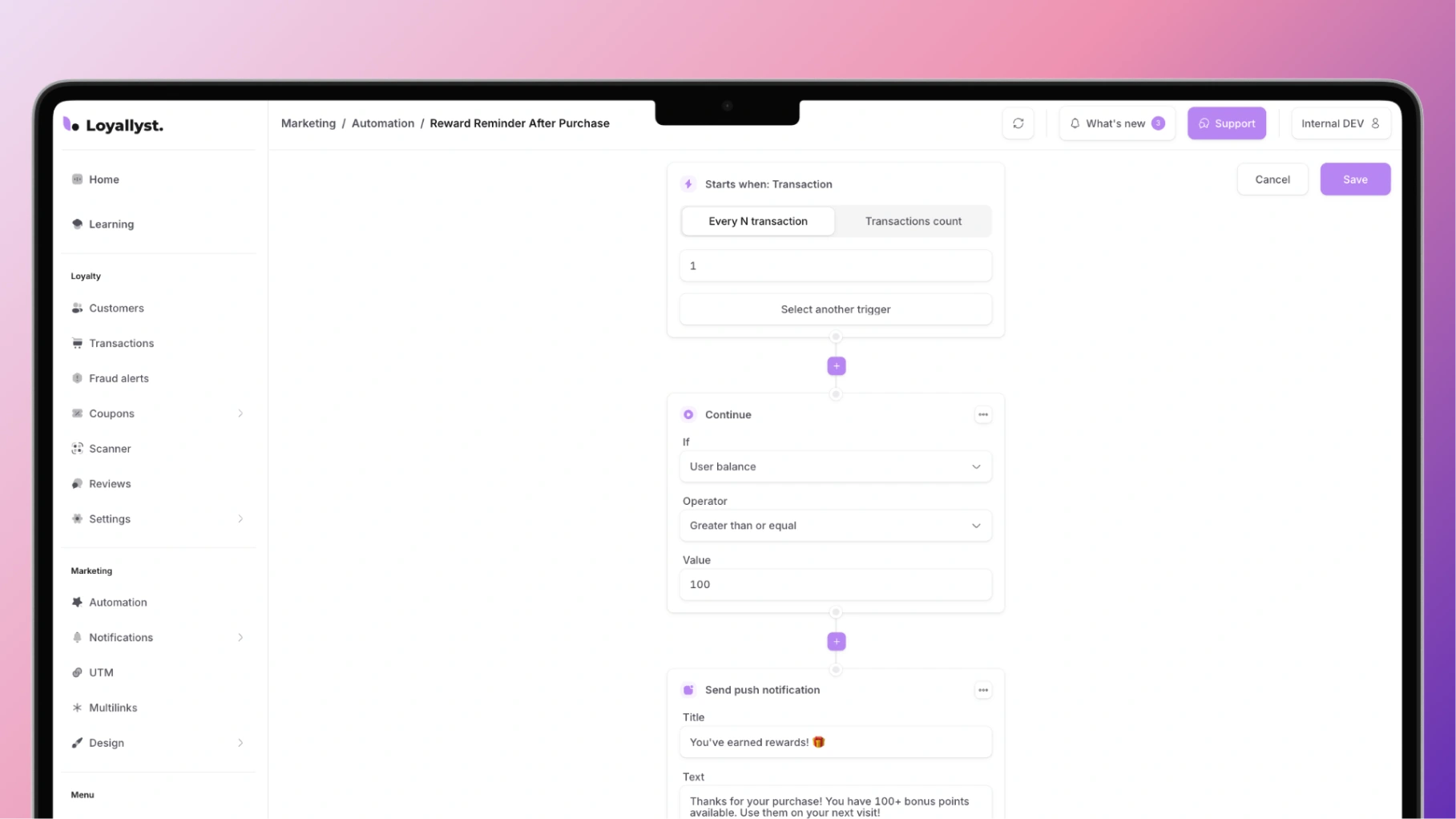
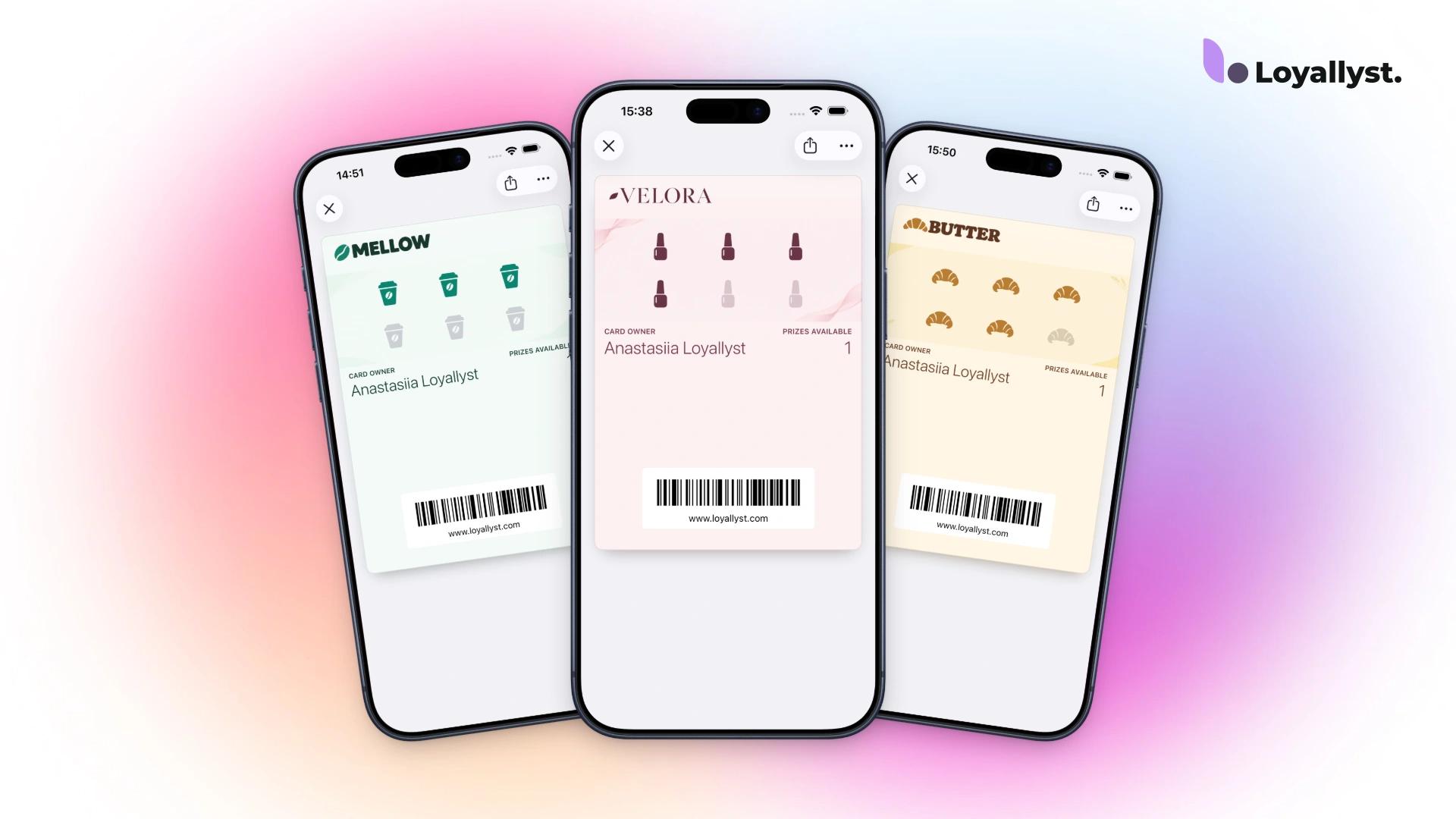
In Loyallyst, a loyalty program provides the foundation for these communications. Purchases, customer participation, and reward rules can be linked to automated messages. That gives each message a clear purpose, such as highlighting an available reward or explaining how to use a program benefit.
Which triggered messaging scenarios help retain customers?
Welcome message: explain the next step
Send a welcome message after signup. Its job is to help the customer start using the program by showing them how to open their card, how rewards are earned, and which benefits are available.
Keep the first message focused on one clear action instead of listing everything the service can do. For example: “Your card is ready. Save it to your phone and show it on your next visit.”
The article on what a loyalty program is covers the basics of rewarding customers. Agree on these rules before drafting the welcome sequence.
Post-purchase message: continue serving the customer
This workflow starts with a purchase or completed service, but the precise event depends on the business. A restaurant guest will already have received their order by the time they pay the bill. An online shopper may still be waiting for delivery at that point.
You can send a thank-you when payment is confirmed and ask for a product review after delivery, once the customer has had time to try it. Give them a chance to use their purchase first.
The sequence can include instructions, tips for getting started, a request for feedback, and a relevant add-on to the order.
Win-back message: notice an unusually long gap
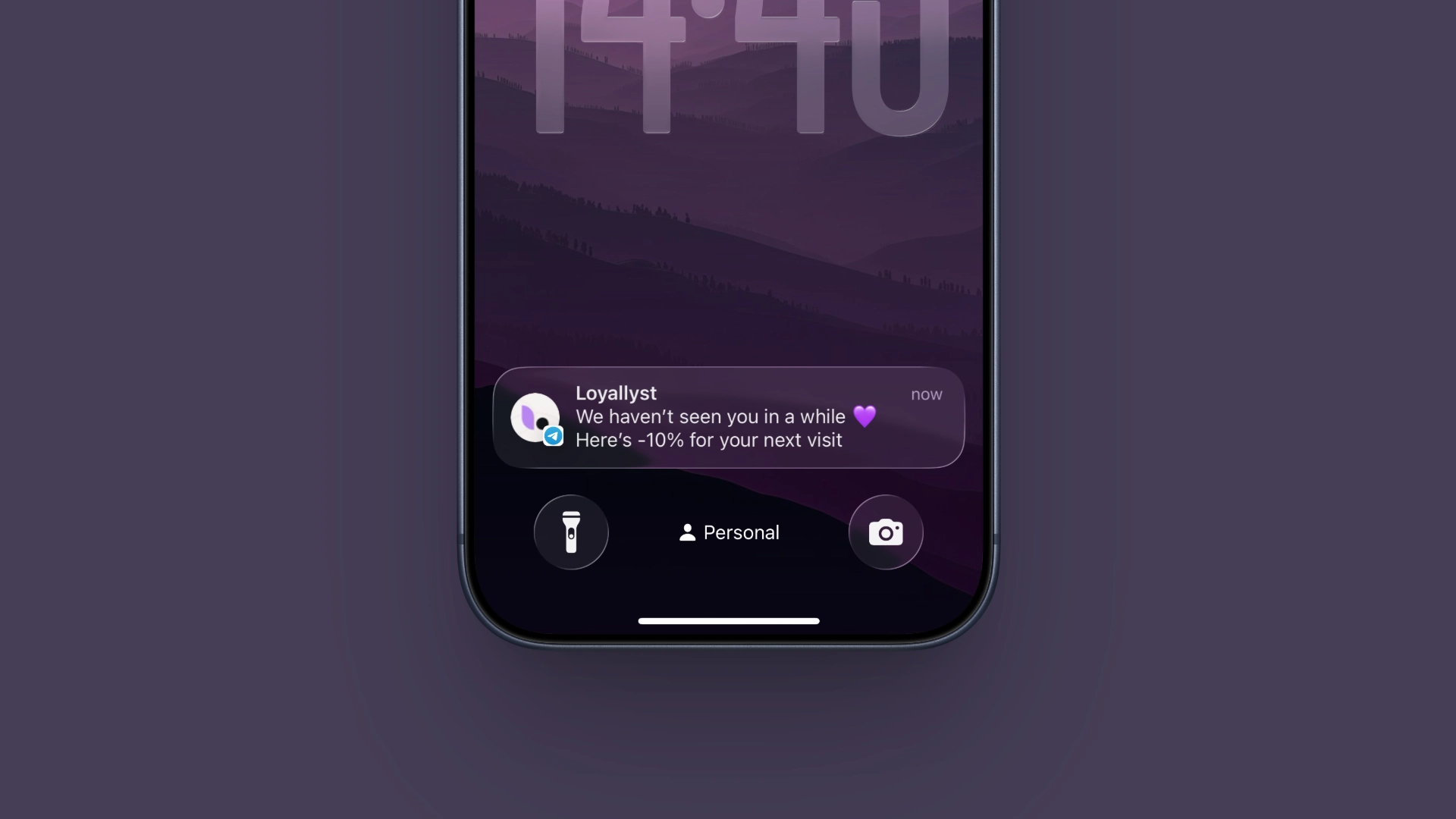
This workflow starts when a customer has been away for a while. Set the delay based on the actual purchase cycle. The same gap can be unusual for a recurring service and perfectly normal for a seasonal product.
The content also depends on the customer’s history. You can remind them about a category they know, invite them to use a reward they’ve earned, or tell them about a relevant update.
End the sequence once the customer returns. If they don’t respond, set a maximum number of attempts and plan a pause in advance.
How do you set up triggered messages for customers?
First, describe the workflow in plain language: what happened, why you’re contacting the customer, and what action you expect them to take. Then identify where the event comes from. Order statuses, point-of-sale purchases, and signups must reach the system correctly.
Example workflow for inviting a customer to make a second purchase:
| Workflow setting | Condition |
|---|---|
| Trigger | The customer’s first confirmed purchase |
| Delay | A period based on the usual purchase cycle |
| Pre-send check | The customer has yet to make a repeat purchase and can be contacted through the chosen channel |
| Message | One clear benefit for the next order |
| Exit | A purchase, an opt-out, or the end of the sequence |
| Re-entry | The first-purchase workflow does not restart after every order |
Decide separately when to send messages and how often to contact customers. Send notifications at a time when recipients can read them and act on the offer.
Before going live, run the workflow using test records. Check the standard path, a repeat purchase during the delay, and an opt-out. Look at how the message appears, where the link leads, and whether the terms in the message match the actual offer.
What mistakes get in the way of automation?
Several sequences running at once. One customer may receive a welcome message, a special-occasion greeting, and a promotion. Set priorities and coordinate send times so the messages don’t compete with one another.
Incorrect order status. An order request doesn’t necessarily mean a purchase has been completed. The wrong trigger can cause customers to receive a thank-you for an unpaid or canceled order.
Processing the same event twice. If data for the same order arrives more than once, it should never create another message or grant a second reward.
Making an offer without checking it. The reward may already have been redeemed, the promotion may have ended, or the product may be out of stock. Check these details before sending, especially in longer sequences.
Measuring sends alone. Automated messages can work perfectly and still generate no orders. Track the intended action for each workflow: card use, a second purchase, or a return after a gap. Account for incentive costs and opt-outs.
How do you set up triggered messaging with Loyallyst?
Loyallyst supports automatic welcome messages, post-purchase messages, holiday greetings, and workflows for customers who haven’t returned in a while. Customer history and segmentation help you choose trigger conditions, while push notifications help you stay in touch with program members.
Set up the Loyallyst loyalty program to link rewards to follow-up messages. During onboarding, agree on the events from your POS system or website, the checks to run, and when the sequences should end. You can start with a single complete workflow, from the triggering event through to the repeat purchase.

Frequently asked questions
A triggered message is sent when a specific event occurs or a condition is met for an individual customer. A bulk campaign typically goes to the entire selected audience on a schedule.
Start with a workflow backed by reliable data and a clear goal. For example, after a customer’s first confirmed purchase, invite them to make a second one if they haven’t already returned.
Use the typical interval between purchases for your business. Before sending, check whether the customer has already returned and whether you can contact them through the chosen channel.
Process each event only once, check the latest order status before sending, and stop the workflow when the customer takes the intended action or opts out.
Track the intended action for each workflow, such as card use, a second purchase, or a return after inactivity. Account for incentive costs and opt-outs.