
How and when to implement a CRM system in your business
“We already know our regular customers” — for a small team, this really can work. Until the first change of manager, the opening of a second location, or the moment when preparing a single campaign starts taking half a day.
Implementing CRM for your business becomes worthwhile when you already have customer information but find it difficult to use. You spend time searching, forget agreements, or fail to notice that regular guests have stopped coming.

CRM implementation: what does it mean in practice?
CRM implementation means configuring a system for customer-related business processes, from keeping contact records to generating repeat sales. You decide where the data comes from, who is responsible for it, and which actions happen automatically.
That is why implementing a CRM system in a business starts with reviewing how the team works. If employees keep using separate lists and the manager does not use the reports, familiar problems will simply get a new interface.
How do you know your business needs a CRM?
Think about a typical working week. It is worth considering a system if several of these situations sound familiar:
- Information is scattered. Contacts are in a spreadsheet, purchases are in the POS system, and comments are on the manager’s phone.
- Everything depends on one person. Only they remember customers’ special terms and can explain the history of points awarded.
- Campaigns are prepared manually. You have to compile lists, check whether they are up to date, and send everyone the same offers.
- Customer churn is noticed too late. Revenue changes, but it is difficult to identify who is buying less often.
- Promotions launch without measuring results. You know how many points were awarded, but not whether they led to repeat purchases.
Even a single location may need a CRM if employees reconcile points across several files every day. If the problem is not clear yet, observe how the team works. Write down which activities take the most time.
Which business processes can a CRM simplify?
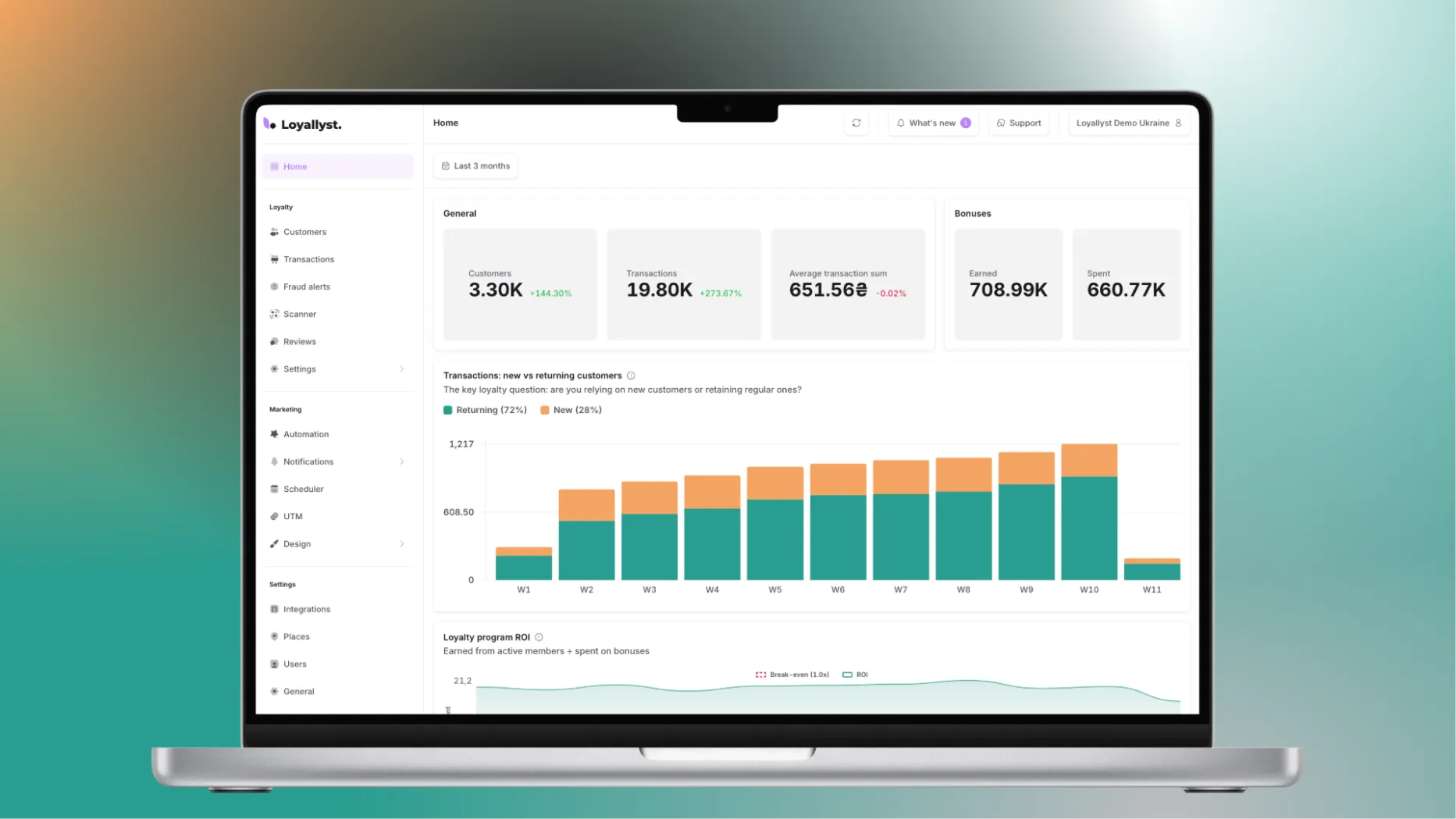
The capabilities depend on the platform’s purpose. Loyallyst CRM focuses on repeat purchases, bringing together customer history, segmentation, points, and communications. Here is how this helps in practice.
Bringing regular guests back. A café guest used to buy several times a week but now visits less often. Loyallyst identifies churn risk from changes in the usual visit pattern. The team can choose a suitable offer and launch a win-back workflow without manually reviewing the entire database.
Checking points transactions. A chain wants to monitor large points awards without reviewing every transaction manually. In Loyallyst, you can set a threshold above which the system flags an award for review. This makes it easier for the manager to find an unusual transaction and investigate its cause.
Planning offers. Market basket analysis shows which products often appear on the same receipt. You can use this to test an idea for a bundle or combo. The team makes the decision, while the CRM saves them from going through receipts manually.
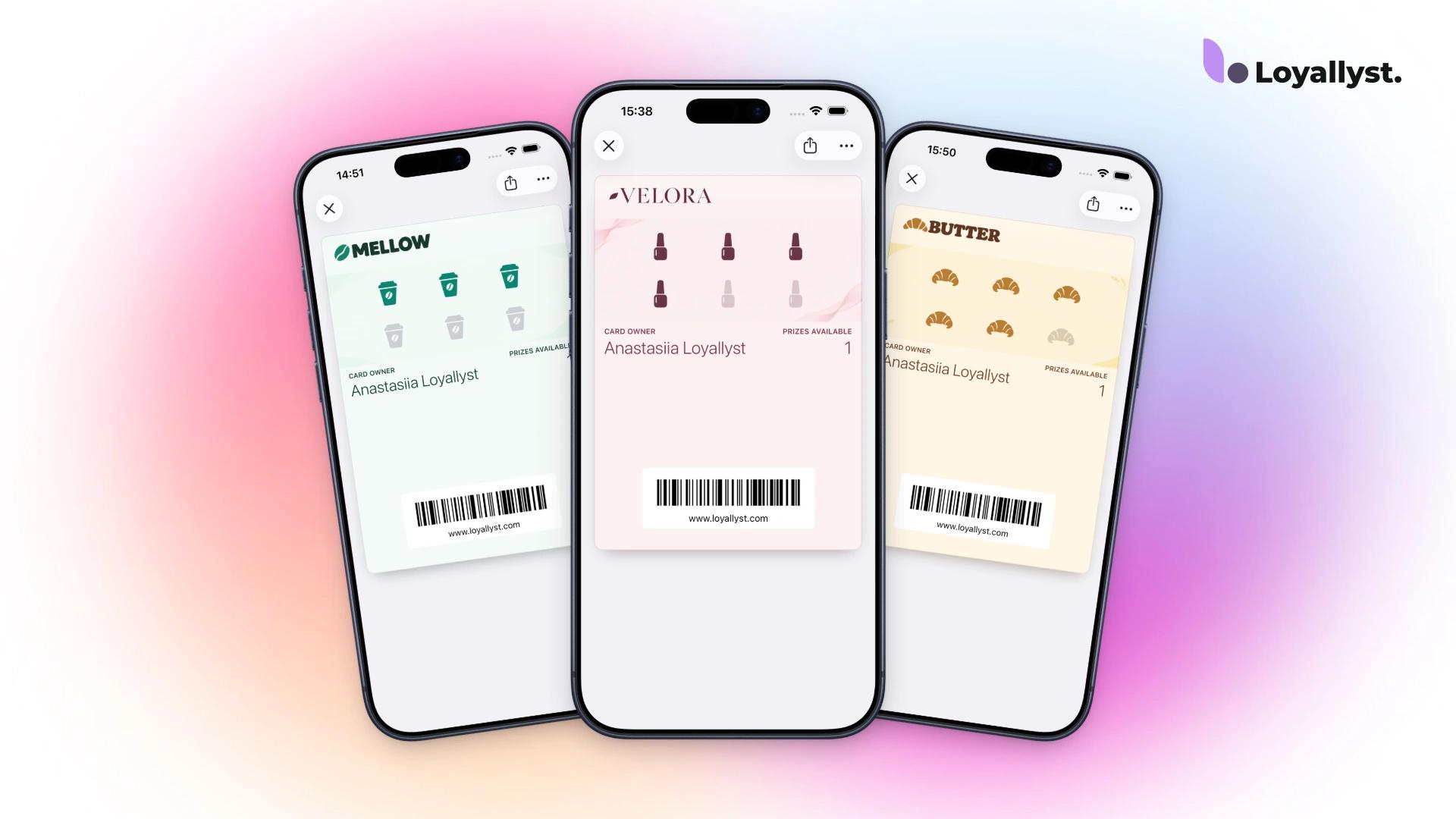
A loyalty program helps connect these actions with a benefit for the customer. Accumulated points, a new tier, or a personalized offer give someone a concrete reason to return.
How do you implement a CRM system without overloading the team?
1. Choose the outcome for the first stage
Define one task whose result you can check. For example, reduce campaign preparation time or improve how you work with customers who have started visiting less often.
Record the starting situation: how long an activity takes, how often errors occur, and what share of customers return. You will then have a baseline for comparing results after launch.
2. Prepare the data and the way it will be transferred
Identify what information you already have and where it comes from. Check for duplicates, outdated contacts, and records with no purchase history. Transfer what you need for the tasks you have chosen.
If the CRM needs to receive receipts automatically, agree on the POS integration in advance. Clarify which data will be transferred: this determines the available reports and workflows.
3. Agree on rules and responsibilities
Appoint an employee to take responsibility for the launch on the business side. Separately decide who will check transactions, prepare messages, and evaluate results.
If you are introducing points for the first time, discuss the mechanics before configuration. The article “What is a loyalty program?” will help the team understand the differences between points, discounts, and tiers. Agreeing on customer terms will then be easier.
4. Launch a pilot and train employees
Start with one location or a limited workflow. Check that the customer and purchase are linked correctly, the balance matches, and the message reaches the intended audience.
Build training around real tasks. A cashier needs to find a member and explain the terms; a marketer needs to select a segment and prepare a campaign; a manager needs to check the metrics. A short guide for a specific task is more useful than a general overview of every feature.

5. Evaluate the result and expand your work
Compare the metrics with the baseline and collect employees’ questions. Once the first workflow is working correctly, add the next ones.
Evaluate repeat sales with the purchase cycle in mind: a few days are not enough for a shoe shop. Do not change the mechanics, audience, and copy at the same time, or it will be difficult to understand what caused the changes.
Where should you start with Loyallyst CRM implementation?
Choose one process you want to simplify and describe how it works now.
With this task in mind, you can connect Loyallyst CRM and discuss the necessary integrations, available features, and launch sequence. A free seven-day period lets you test how convenient it is in practice. You can then continue evaluating the effect on repeat sales through your customers’ purchases and behavior.

Frequently asked questions
When customer information is scattered across files and the POS system, campaigns are prepared manually, and customer churn is noticed too late. Start with the process that takes the most time or causes errors.
Yes, if even one location struggles to maintain purchase history, check points, or manage repeat sales. Focus on the team’s tasks rather than just the number of locations.
Identify the sources of contact details and purchase history, and check for duplicates and outdated records. If you need receipts transferred automatically, agree on the POS integration and the data to be transferred.
Choose one task, appoint an owner, and start with a pilot at one location or for one workflow. Train employees on specific actions and expand once you have checked the first result.
Compare task completion time, error frequency, and returning customers against your baseline. For repeat sales, account for the purchase cycle and avoid changing the mechanics, audience, and copy at the same time.
