How to Automate Customer Management
When a customer base is only beginning to grow, it may seem like everything is under control. You can personally send a message to a regular customer or manually add bonus points. But over time, the number of customers grows into the hundreds and then thousands. Employees begin spending more and more time on repetitive tasks instead of sales. This is exactly when a business needs customer management automation.
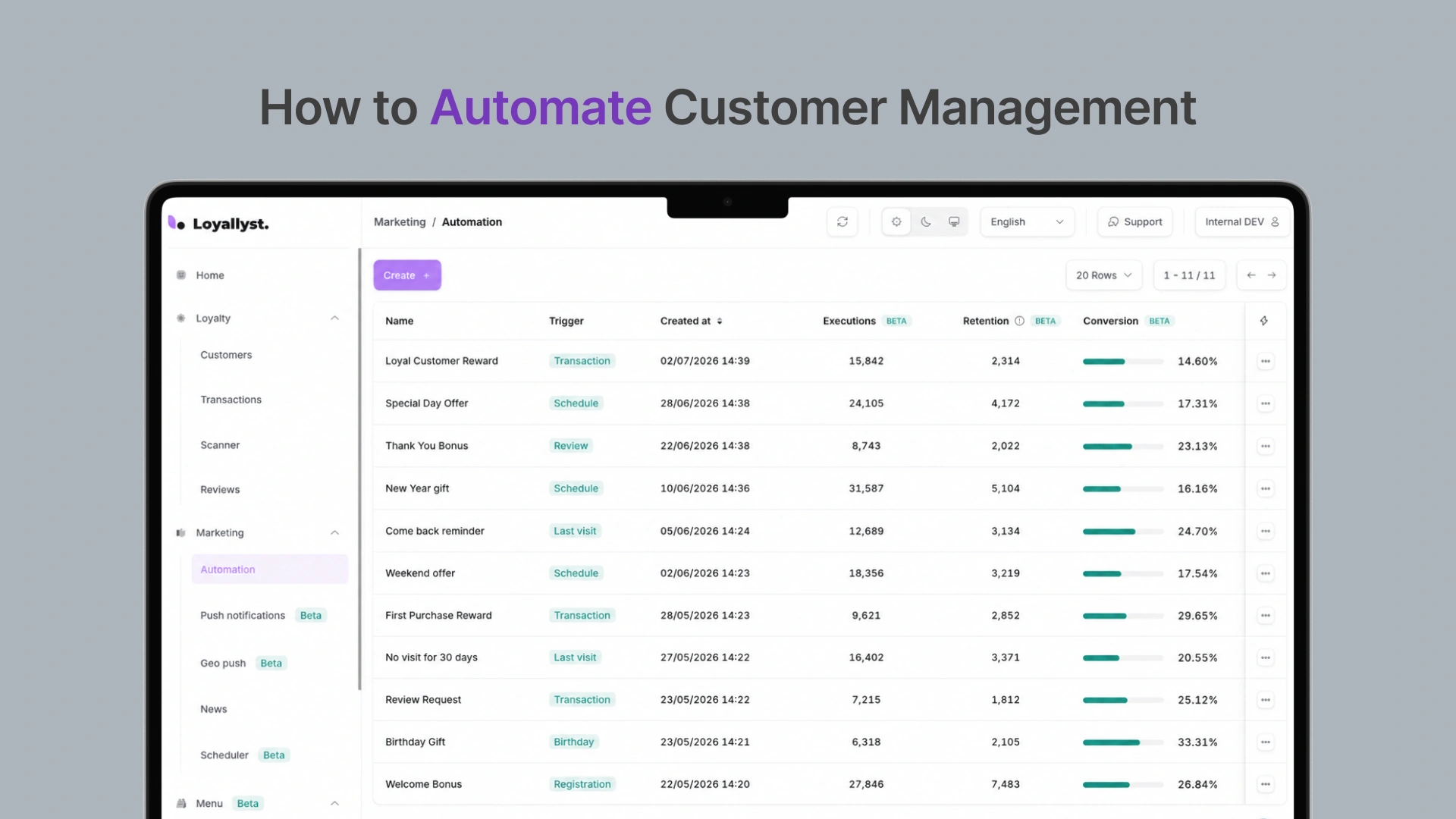
What Can Be Automated?
Most businesses start with the simplest tasks. For example:
- registering new customers;
- adding bonus points;
- sending notifications;
- sending holiday greetings;
- collecting feedback;
- re-engaging customers who have not made a purchase for a long time.
What Tasks Does Automation Solve?
| Process | What Happens Automatically |
|---|---|
| Bonus point allocation | customers receive bonus points immediately after a purchase |
| Push notifications | the system sends messages based on predefined conditions |
| Customer segmentation | customers are automatically divided into groups |
| Personalized offers | promotions are sent only to relevant customers |
| Analytics | data is updated without manual reports |
Why Does a Loyalty Program Become the Center of Automation?
Many businesses see a loyalty program purely as a bonus system. In practice, it brings several processes together. After a purchase, the customer automatically receives bonus points. If they have not returned for a long time, the system sends a reminder. If their birthday is approaching, it prepares a personalized offer in advance. All of this happens without any employee involvement. This is why customer relationship automation is increasingly built around a loyalty program.
Case Study: Car Wash
The car wash previously tracked regular customers in a simple spreadsheet. The administrator manually checked the number of visits, calculated free washes, and sent messages to loyal customers.
After implementing a loyalty program for car washes, the entire process changed. Now, bonus points are added automatically after payment. If a customer does not return for more than a month, the system automatically sends a push notification with a personalized offer. Within three months, the number of repeat visits increased by approximately 18%, while employees no longer had to spend time on routine tasks.

Customer Database Automation
Another common problem businesses face is scattered information. Phone numbers are stored in one system, purchase history in another, while promotion details are kept in an Excel spreadsheet. This makes it difficult to quickly understand:
- what a customer buys;
- how often they visit;
- which offers they have already received.
Case Study: Jewelry Store
A jewelry store wanted to re-engage customers who had not returned for a long time. After implementing a loyalty system, the customer database was automatically divided into segments, and customers who had not made a purchase for more than six months received additional bonus points. Within two months, the store managed to bring back around 22% of this audience. Without automation, such a campaign would have required several days of manual work.
Sales Automation
When employees spend less time on repetitive tasks, they can focus more on customers. This improves the quality of service. That is why sales automation is also a popular business need. The following scenarios work particularly well:
- welcome bonuses for new customers;
- automated offers after the first purchase;
- recommendations based on previous orders;
- notifications about accumulated bonus points.
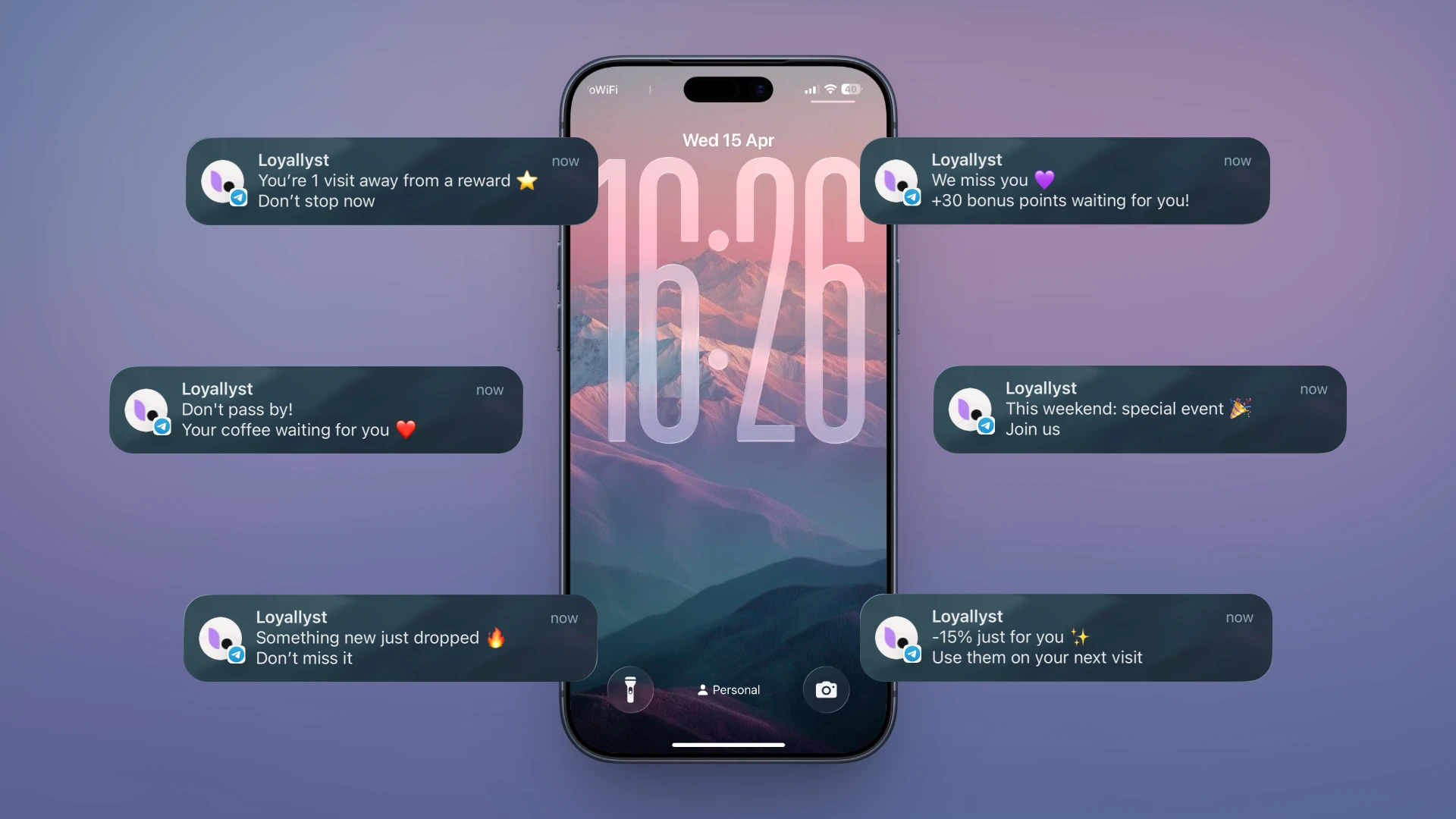
Comprehensive Customer Management Automation
The more processes are connected, the better the results. Customer interaction automation usually includes:
- a CRM system;
- a loyalty program;
- a POS system;
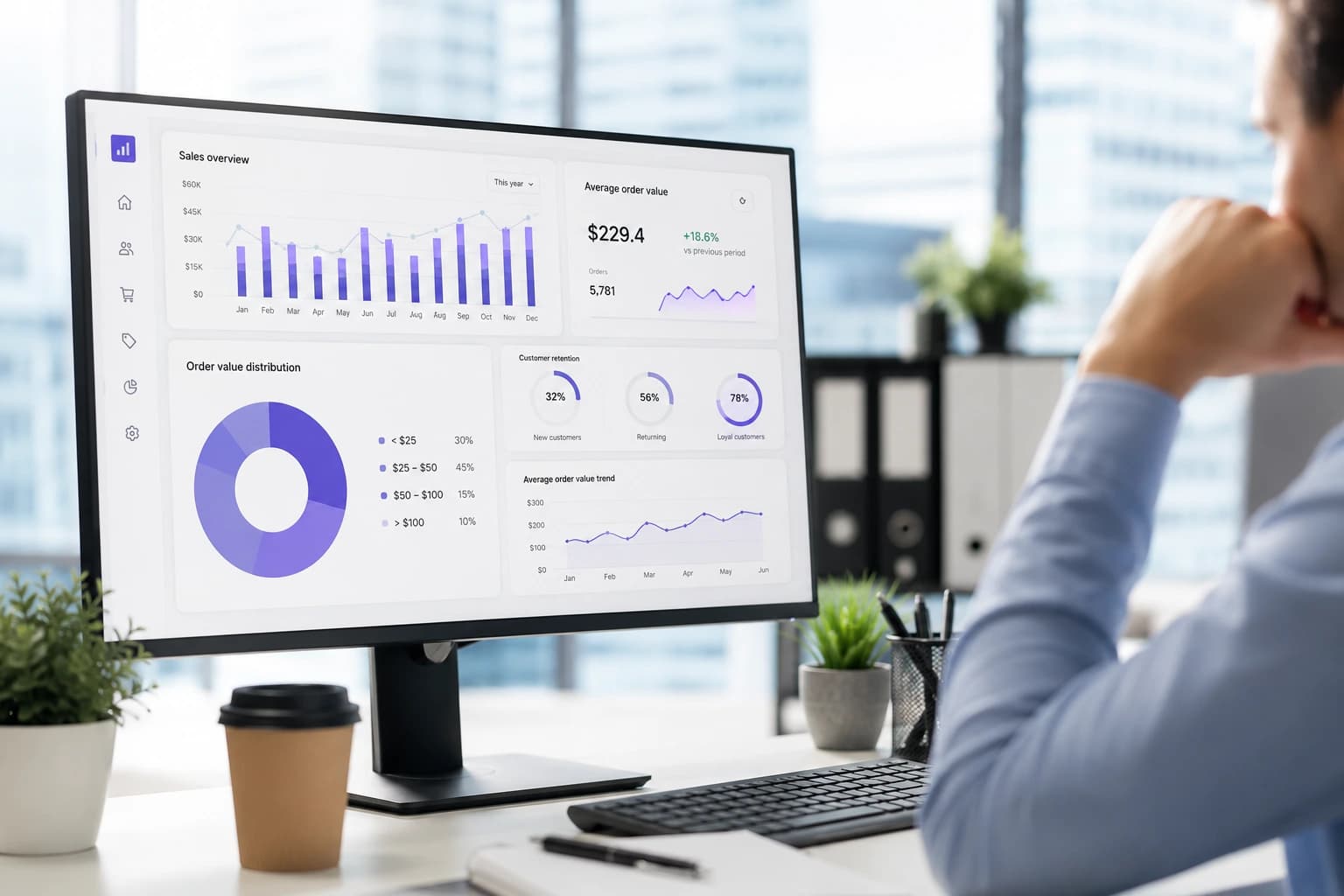
- analytics;
- push notifications.
Which Processes Are Automated Most Often?
| Task | Solution |
|---|---|
| Adding bonuses | loyalty program |
| Re-engaging customers | automated push notifications |
| Customer segmentation | CRM and analytics |
| Customer support | chatbots and automated responses |
| Collecting feedback | QR codes and post-purchase workflows |
Conclusion
Automation is no longer a tool reserved only for large companies. Even a small store, salon, or car wash can significantly reduce manual work while improving customer service. A loyalty program becomes the link between sales, marketing, and analytics. As a result, everyone benefits: employees can focus on truly important tasks, while customers receive a more convenient and personalized experience. That is why customer service automation, customer support automation, and a comprehensive approach to loyalty program management are becoming some of the most effective ways to grow a business without constantly increasing the workload on the team.

Frequently asked questions
Customer management automation involves using digital systems to perform recurring tasks without the constant involvement of employees. For example, it can be used to award bonuses, send messages, segment customers, and collect analytics.
Businesses can automate customer registration, bonus allocation, push notifications, holiday greetings, feedback collection, personalized offers, and the re-engagement of customers who have not made a purchase for a long time.
A loyalty program automatically awards bonuses after purchases, sends messages based on predefined conditions, creates personalized offers, and helps bring customers back without manual work.
A CRM system stores and organizes information about customers and their interactions with a business. A loyalty program uses this data to award bonuses, launch personalized offers, and encourage repeat purchases.
Yes. Automation is suitable not only for large companies but also for small shops, salons, cafés, and car washes. It helps reduce routine work, improve customer service, and manage the customer database more effectively.